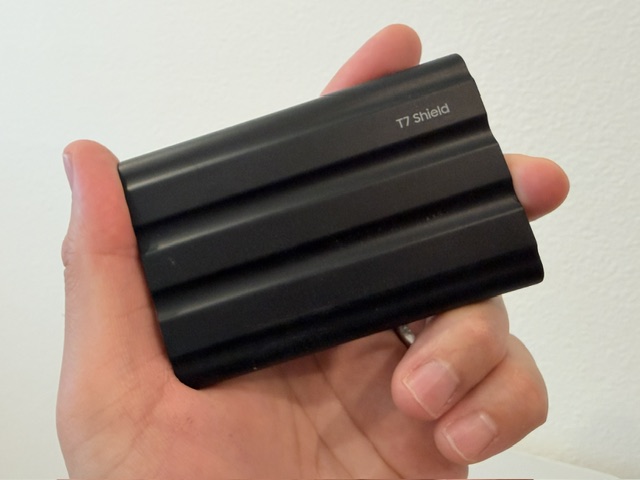
The go-to recommendation across Rivian forums for Gear Guard storage. Heat-resistant, compact, and recognized by Rivian immediately on first plug-in.
Every Rivian owner eventually needs a drive for Gear Guard footage. This is the one I landed on for a couple of reasons. First, it's overwhelmingly the favorite recommendation across Rivian forums and Reddit. Second, I chose the Shield version specifically for its heat resistance — Las Vegas summers are brutal, and it made sense to use a drive designed to handle extreme cabin temperatures when parked in direct sun.
I went with 1TB so the system overwrites footage less frequently. I also like how compact and lightweight it is. I do wish Rivian had positioned the elastic retaining band directly below the USB-C ports, but with 90-degree USB-C adapters, the cable routes cleanly around the edge of the console to the rear storage area where the drive sits.
Setup:
- Plug the SSD into one of the Rivian USB-C data ports inside the center console.
- Open: Controls → Gear Guard → Gear Guard Storage
- Format the drive through the Rivian interface.
- Once formatting completes, Gear Guard and Drive Cam recordings begin saving automatically.
Setup was immediate — Rivian recognized the drive right away without any issues. Everything has worked flawlessly since.
Easy recommendation, especially for owners in hot climates. The Shield variant is worth the small premium.
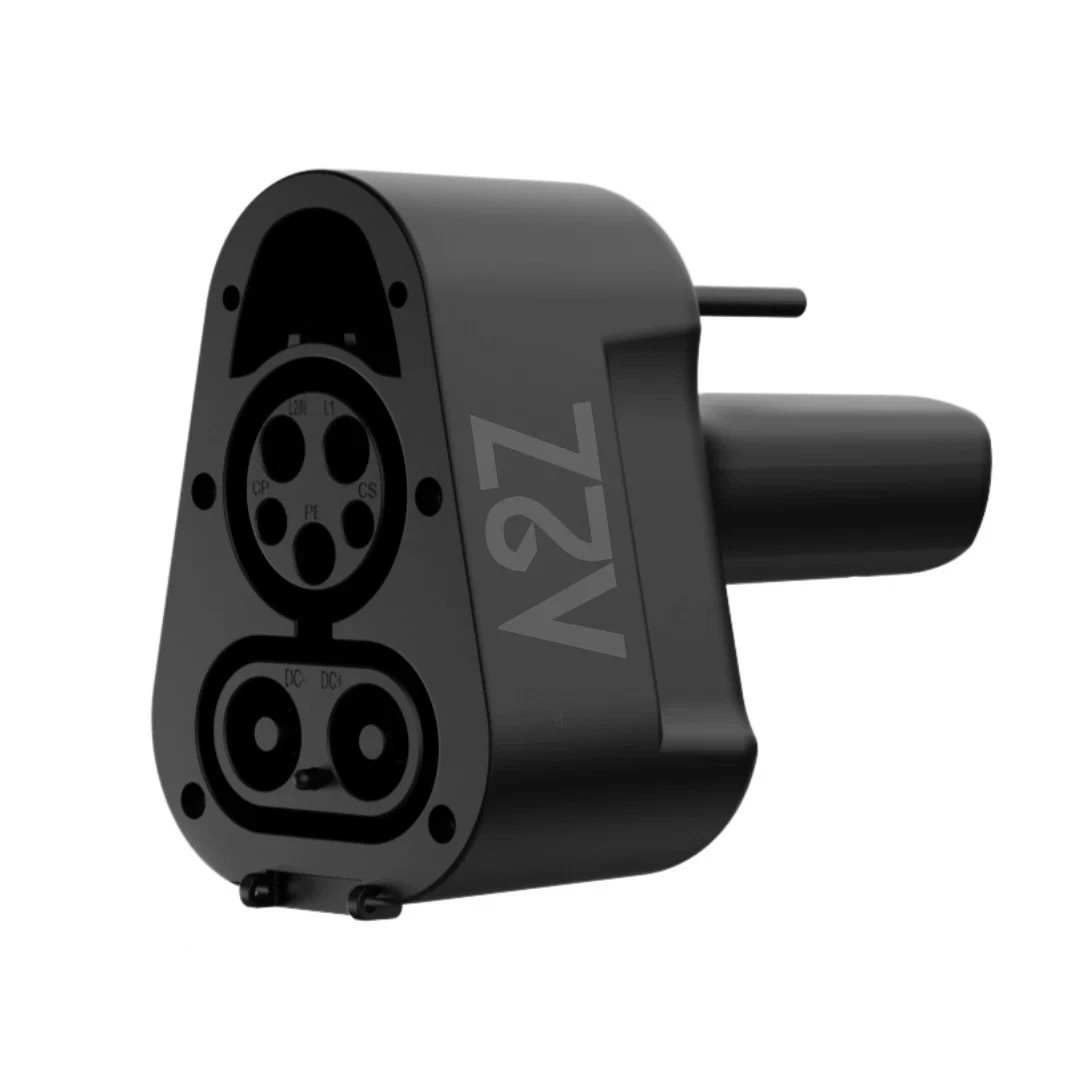
For Rivian owners with a NACS port, a CCS1 adapter is essentially required right now. Every local Adventure Network station I've visited has been CCS1 — this gets you charging without issues.
The adapter arrived well-packaged with a solid storage case. It feels heavy, durable, and well made — not cheap at all. For Rivian owners with a NACS port, a CCS1 to NACS adapter is pretty much essential right now. I keep it stored in the frunk so it's always easy to grab.
Usage is straightforward. Connect the adapter to the charging cable first before plugging into the vehicle. Every session so far has been recognized immediately with charging starting right away.
I chose the A2Z version based on strong feedback from other Rivian owners, and it's less expensive than the Rivian-branded adapter (currently ~$200). One important note: if an adapter causes damage to the vehicle, Rivian states that damage would not be covered under warranty. I view that as an unlikely scenario, but worth knowing.
Highly recommend. Keep it in the frunk and forget about it until you need it.
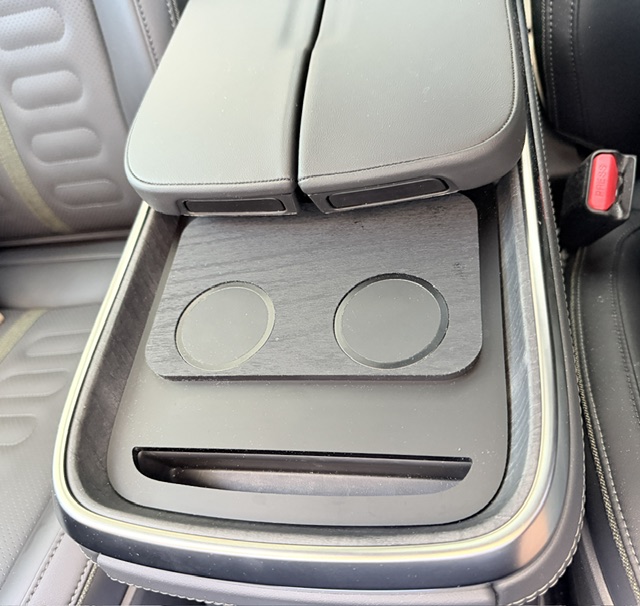
One of the best additions I've made to the R1S. MagSafe compatibility solves the sliding phone problem entirely. Looks factory installed in the Dark Ash Wood variant.
I went with the Dark Ash Wood skin variant since it closely matches the factory wood trim inside the Rivian. Once installed, it looks like something Rivian should have included from the factory.
Before this, I constantly had issues with my phone sliding forward and disconnecting from the stock charging area. Even Rivian's center divider didn't help. Charging on the factory pad is slow enough that many owners just switch to cables — I understand why.
The TWRAPS charger solves this with MagSafe compatibility. The phone stays in place and consistently charges during drives. I occasionally still see a "Slow Charging" notification, but the battery percentage is actually higher after driving instead of lower.
The only issue I ran into was the charger occasionally lifting slightly when removing the phone. I fixed this easily with a small amount of thin 3M adhesive along the front and side edges. Holds securely now without anything permanent.
Pick up 90-degree USB-C adapters for the center console so cables don't stick up awkwardly into the storage area.
5 stars. Huge improvement over the factory setup. Looks great, works reliably, and the cable routing is clean.
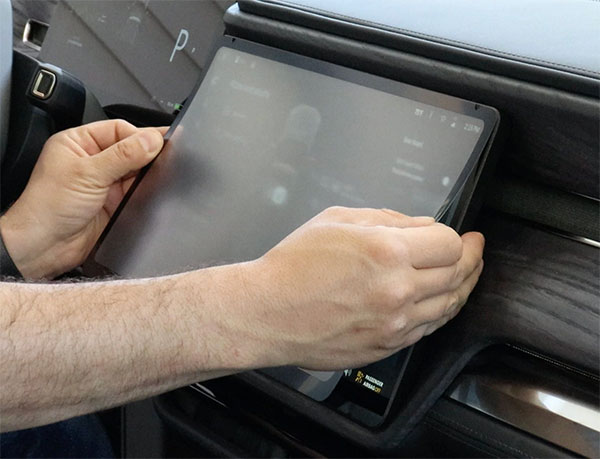
Full review coming soon — covering installation difficulty, glare reduction, fingerprint resistance, screen clarity, and overall fitment quality.
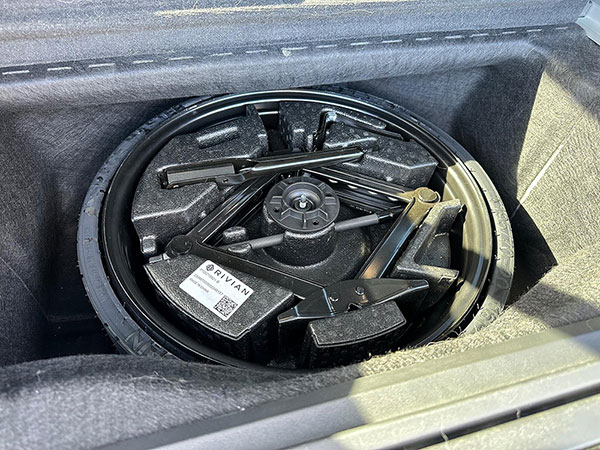
Full review coming soon — covering cargo storage impact, installation process, road trip practicality, and whether carrying a spare is worthwhile for the R1S.
This page may contain affiliate links. As an Amazon Associate, I may earn from qualifying purchases at no additional cost to you.